On this page
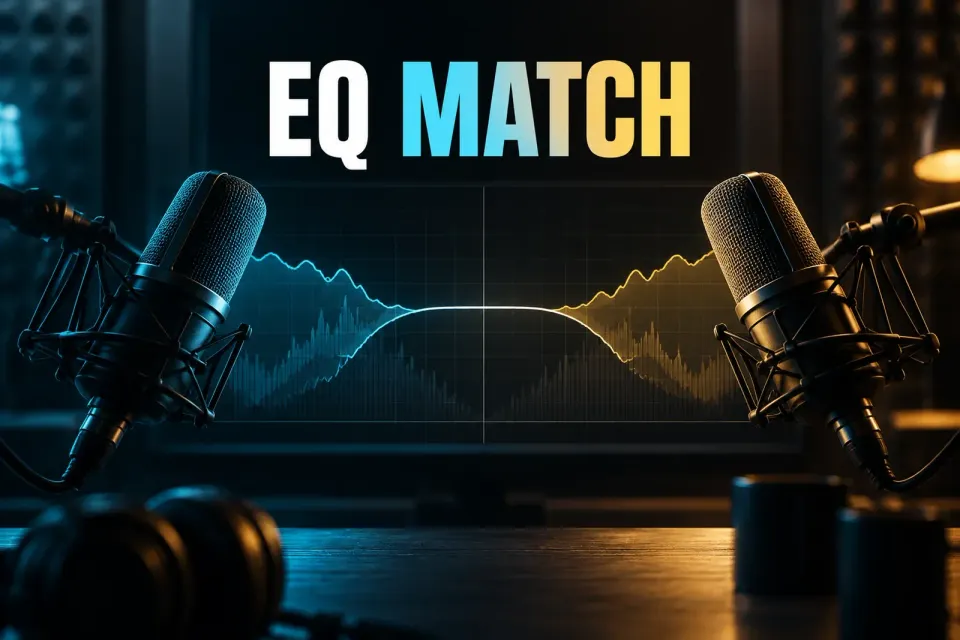
iZotope RX EQ Match learns the EQ profile of one selection and moves another selection toward it. Its job is tonal continuity: matching a lavalier to a boom, bringing ADR closer to location dialogue, or reducing the frequency-response gap between microphones on the same source.
It does not copy the room, performance or microphone perspective. Noise, reverberation, dynamics, distance and delivery can still give the edit away after the spectra are closer. I treat EQ Match as one step in a dialogue-matching chain. It cannot bring back the conditions of the original recording.
What EQ Match changes and what it leaves alone
| Difference between clips | Can EQ Match address it? | Better next step when it cannot |
|---|---|---|
| Broad tonal balance or microphone frequency response | Yes, this is its main job | Reduce Amount or use manual EQ for a more controlled curve |
| Narrow resonances or a specific hum frequency | Only indirectly, and often too broadly | Use the RX EQ or a defect-specific repair |
| Room tone or noise-floor continuity | No | Use Ambience Match or noise repair as appropriate |
| Reverberation and early reflections | No | Use De-reverb before judging the tonal match |
| Different performance, timing or pronunciation | No | Edit or re-record the line |
| Level and dynamic-envelope differences | No direct match | Use clip gain, level automation or dynamics processing |
The current RX 12 EQ Match documentation marks the module as Advanced. Check the site's RX edition comparison for the broader feature split, then confirm current availability before buying or planning a workflow.
Choose a reference that represents the sound you want
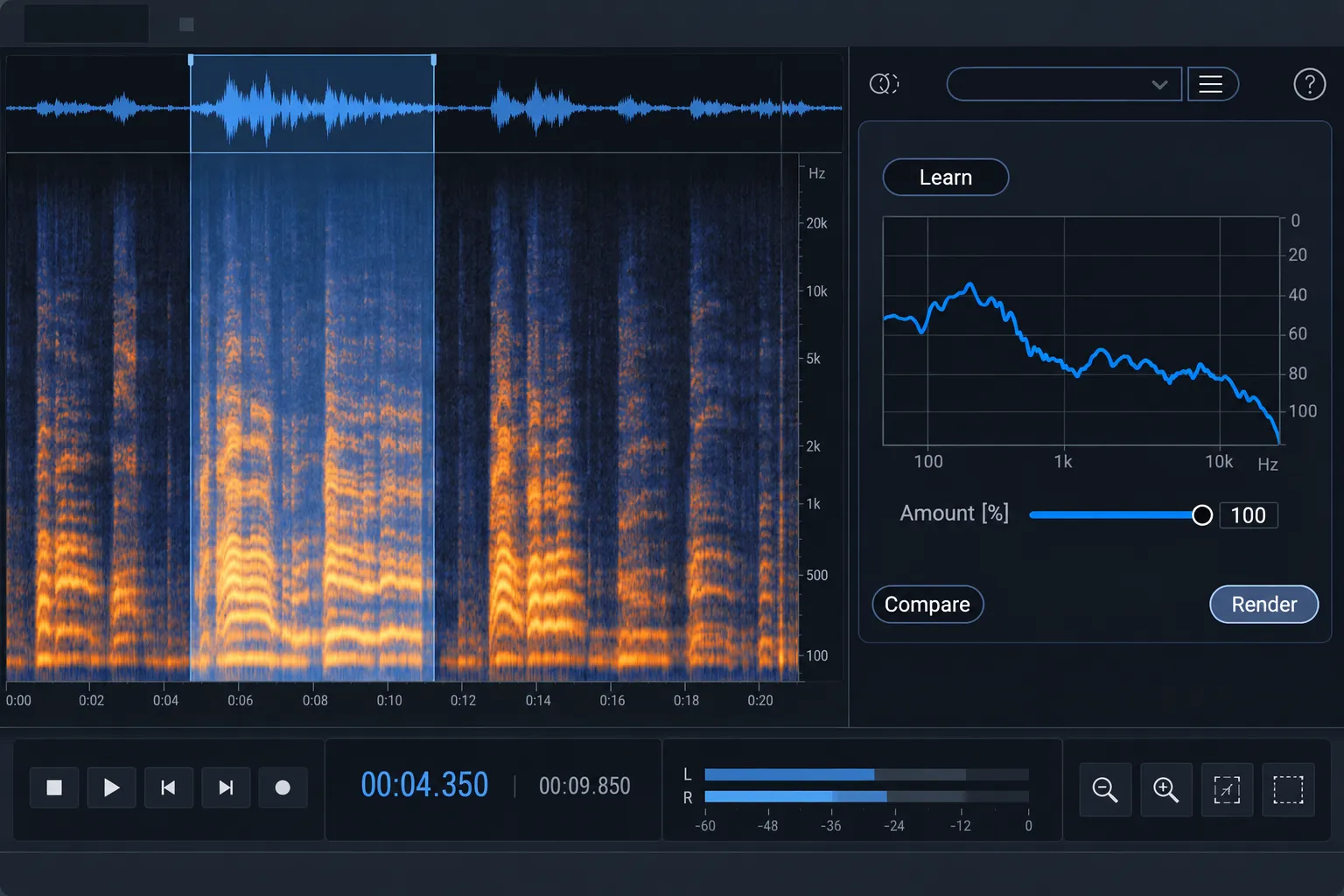
EQ Match can only learn what is present in the reference selection. If the selection is one bright consonant, a low vowel or a passage covered by clothing rustle, the learned profile will describe that moment rather than the voice across the scene.
Use a reference with the same speaker or source, a similar vocal range and enough varied material to represent the intended tone. Avoid fades, music, sound effects and overlapping voices. A longer selection can give the module more information, but length is not automatically better: a selection that crosses different rooms, microphone positions or production conditions averages those differences into one profile.
The target selection should be comparable. Learning from a calm, close-miked sentence and processing a shouted line recorded farther away asks EQ to solve changes that are partly spectral and partly physical. When possible, compare similar words, delivery and distance. This makes Amount easier to judge because the module is not compensating for unrelated changes.
Use the Learn and Process workflow in the correct order
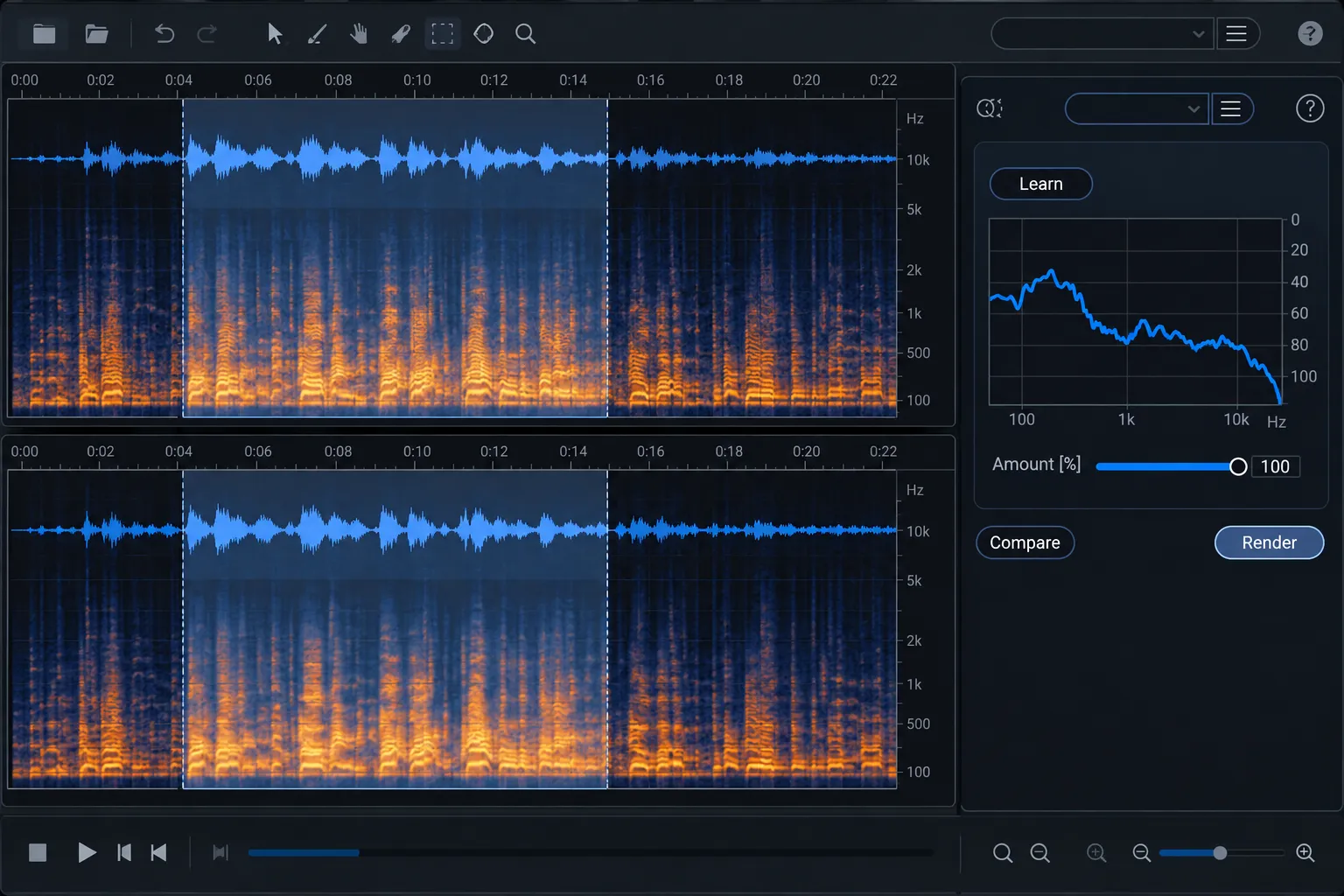
- Open EQ Match. Keep the source and target available in the RX Audio Editor.
- Select the reference. Choose the passage whose tonal balance should be preserved.
- Click Learn. RX captures the reference spectrum.
- Select the target. Move to the clip or region that needs to approach the learned profile.
- Set Amount conservatively. Start low enough that the target keeps its natural identity.
- Preview a transition. Judge the edit in context, including the cut before and after the processed line.
- Click Process. Apply the match only after the transition is more convincing than the unprocessed version.
On paper the workflow is short: select, Learn, select again, Process. The real decisions sit around those clicks. Reference quality, selection boundaries and how much matching you allow decide whether the correction supports continuity or just makes the target sound filtered.
Amount is a blend toward the learned spectrum, not a quality score
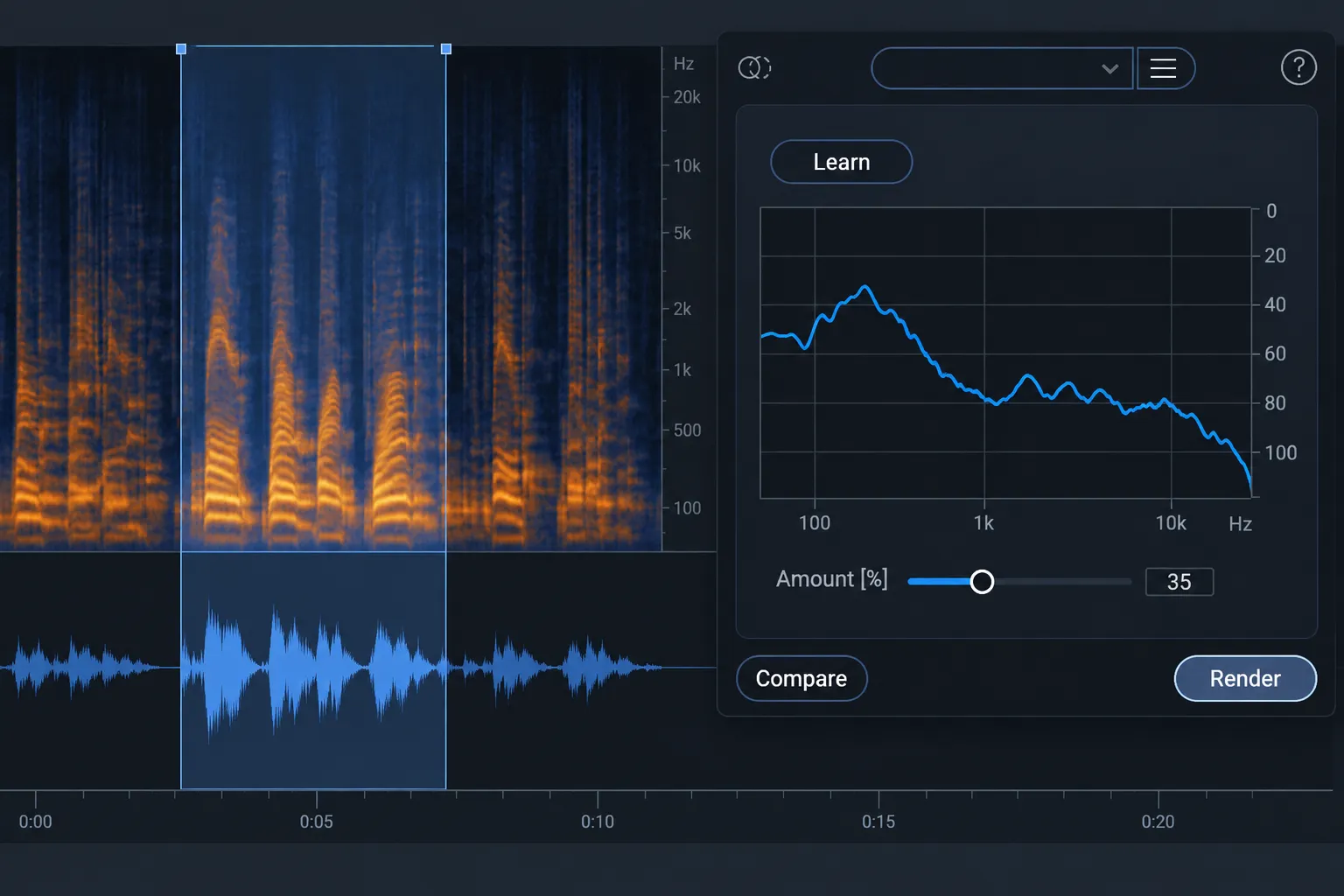
Amount controls how closely the target spectrum moves toward the learned spectrum. The RX 12 manual warns that a 100% match can sound unnatural and says lower values in the 10–40% range are often enough to align two signals more closely.
Treat that range as a starting point. Begin near the lower end when the clips already belong to the same scene, and raise it only while the transition keeps improving. A target recorded with a very different microphone may need more correction, but a stronger match can also exaggerate the reference's resonances or push the target away from its natural voice.
A 100% setting does not mean the job is done. What you want is a believable cut. If 18% makes the microphone change disappear in the scene, going higher buys you nothing.
Match a lavalier to a boom without erasing their differences
A lavalier and boom hear the same performance from different positions. The lav may contain chest resonance, clothing effects and a close perspective. The boom includes more air and room, and its tone changes with angle and distance. EQ Match can reduce the broad frequency-response gap, but it cannot turn one capture method into the other.
Choose a clean boom passage as the reference when the boom defines the scene's preferred tone. Learn from the same speaker, then apply a modest Amount to the lav. If the lav contains rustle or strong resonances, repair those defects separately. Otherwise the matching curve may react to a problem that should not become part of the tonal target.
After processing, listen to words around the cut rather than looping the lav alone. A correction that sounds impressive in solo can make dialogue thinner or duller against the production track. The clean dialogue workflow provides the broader order for noise, reverb, clicks and tonal continuity.
Bring ADR toward location dialogue in layers
ADR usually differs from location sound in more than EQ. The studio microphone, room, distance, performance and noise floor can all change. EQ Match addresses the average tonal contour. It does not recreate the original ambience or the reflections around the actor.
In practice I'd remove distracting ADR-room coloration when it is there, match the broad tone, then add the location ambience that belongs under the line. The material can change that order, so keep every step reversible and compare the complete transition after each process.
The official RX 12 De-reverb guide describes processing based on the detected reverberant-to-direct ratio. The site's De-reverb guide explains why excessive reduction can sound dull or detached. For noise-floor continuity, Ambience Match learns ambience from one selection and adds it to another; it does not reduce ambience already present. The site's Ambience Match tutorial covers the choice between static and changing backgrounds.
Align multiple microphones on one source
EQ Match can also bring several microphones closer when an edit moves between them or when tracks must combine without a sudden tonal shift. Pick the microphone that best represents the desired sound as the reference. Process the others individually rather than learning one average from every microphone.
One preset can be a useful starting profile for repeated material from the same setup. The RX manual documents saving a learned spectrum from the preset menu. Name it with the source, microphone and session context so it is not mistaken for a universal voice curve.
A saved profile still needs a fresh decision on each target. Placement changes, actor movement, wardrobe and room conditions can alter the recording even within one production day. Relearn when the reference conditions change materially.
Use manual EQ when the correction needs a reason
EQ Match is efficient when the difference is broad and the reference is trustworthy. Manual EQ is clearer when you know the problem: a narrow resonance, excessive low-mid buildup, missing presence or a high-frequency edge. The RX 12 EQ module provides an eight-band parametric equalizer with Analog and Digital modes for corrective or enhancement work.
Manual EQ also makes the change easier to explain and repeat. If the match curve keeps overcorrecting one band, lower Amount and finish the remaining issue with a controlled EQ move. You keep the useful overall match without accepting every detail of the learned spectrum.
Place EQ Match inside a reversible module order
Broadband noise, hum, clicks and reverb can distort the spectrum EQ Match learns or tries to correct. Solve obvious defects before committing to tonal matching, but keep ambience creation and final level work close enough to the end that you can judge the finished edit.
A reliable starting order is:
- Repair discrete defects such as clicks, rustle or hum.
- Reduce intrusive noise or reverb only as far as needed.
- Learn a clean tonal reference and apply EQ Match conservatively.
- Use manual EQ for any remaining specific resonance or contour.
- Match ambience and level across the edit.
- Check the full scene on the intended playback path.
Think of that as an order of decisions, and let the material change it when it needs to. The site's RX Module Chain guide explains why processes that change the signal model can affect the modules that follow.
Common EQ Match problems
The processed line sounds hollow or filtered
Lower Amount first. Then shorten or replace the reference selection if it contains a resonance, off-axis moment or unusual vowel balance. A full match to an unrepresentative reference simply makes the wrong target more dominant.
The tone is closer, but ADR still sounds pasted in
Check room reflections, ambience, distance and performance. EQ Match has probably done what it can here. Use De-reverb or Ambience Match only for the defects they are designed to change, and revisit the edit or recording when delivery and perspective still do not fit together.
One sentence matches while another becomes too dark
The second target is not spectrally equivalent to the first. Process separate sections with lower Amount, or relearn from a reference that better represents the new delivery. Do not force one captured profile across materially different voices or scenes.
The learned preset works in one scene and fails in another
The preset stores the captured spectrum, not the acoustic relationship of every future recording. Treat it as a session-specific reference. Relearn when the speaker, microphone, placement, room or production condition changes.
EQ Match is strongest when the problem can be stated precisely: these two selections should have a closer average tonal balance. If the real mismatch is room, noise, dynamics or performance, name that problem first. Once the task is truly spectral, a representative reference and a modest Amount usually produce a more natural edit than chasing a perfect 100% match. For matching vocal takes, instruments or music edits, continue through the music and vocal repair hub.