iZotope RX tutorials, audio repair guides and honest fixes
Learn how to use iZotope RX for spectral editing, remove background noise from dialogue and music, and rescue clipped or damaged recordings with task-focused audio restoration guides checked against current iZotope documentation. Start from the artifact you hear and keep every pass reversible.
Guides state their RX version scope — standalone and plugin, macOS and Windows.
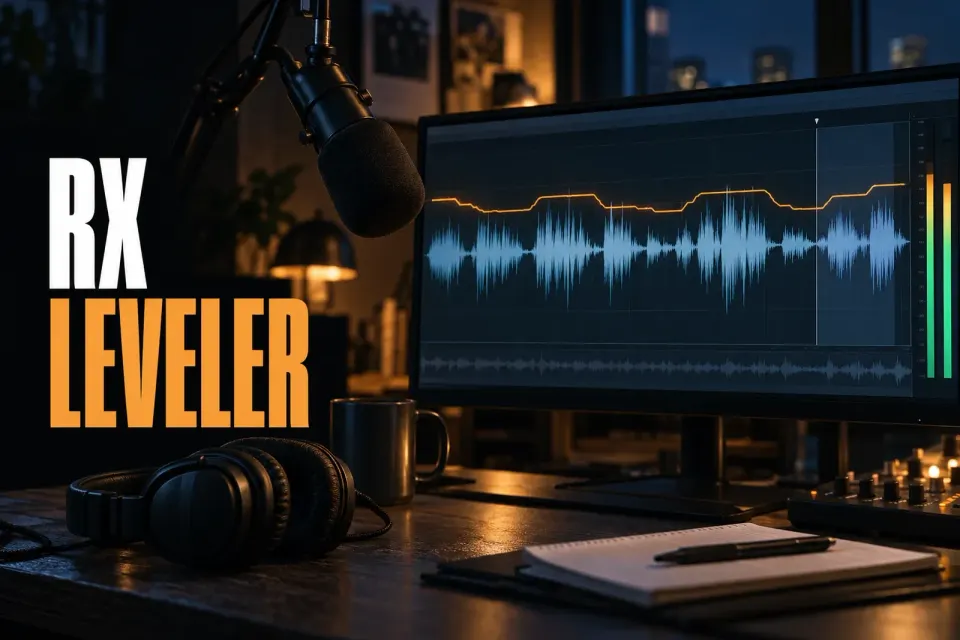
iZotope RX Leveler: Even Out Dialogue Naturally
RX Leveler rides uneven dialogue toward a target RMS level and writes the moves as an editable Clip Gain curve. Keep the response broad and the dynamics protected, fix single lines with clip gain, and leave final LUFS to Loudness Control.
Latest RX guides
All guides → How to Use iZotope RX Loudness OptimizeSep 30, 2026 · 4 min readLoudness Optimize lifts quiet material that falls below the relative LUFS gate so it counts toward integrated loudness. Learn from the whole file, compare playback, then set delivery LUFS and true peak separately with Loudness Control.
 How to Remove Crowd Noise from Audio in iZotope RX 12Sep 23, 2026 · 6 min readCrowd noise needs different tools for steady chatter, isolated shouts, applause over music and room reflections. This RX 12 workflow shows what to use and when.
 iZotope RX 12 vs SpectraLayers Pro 13: Which Audio Repair Editor Should You Buy?Sep 22, 2026 · 10 min readRX 12 is faster for repeatable repair; SpectraLayers Pro 13 is stronger for layers, unmixing and ARA. Compare tasks, editions and current prices.
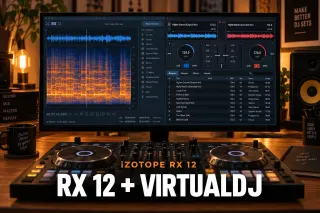 iZotope and VirtualDJ: What Works, What Does Not, and the RX WorkflowSep 22, 2026 · 8 min readRX can prepare repaired tracks and stems for VirtualDJ. Learn what can load as VST3, why RX Editor stays separate, and the reliable WAV workflow.
 iZotope Dialogue Match Is Discontinued: What to Use InsteadSep 22, 2026 · 9 min readDialogue Match is no longer sold, and its maintenance period ended on September 24, 2026. See the RX replacement stages, their limits and how to keep old sessions safe.
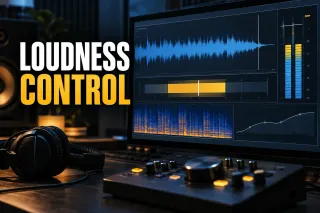 iZotope RX Loudness Control: Set LUFS and True PeakSep 20, 2026 · 7 min readA practical guide to setting integrated loudness and true peak, separating program compliance from dialogue leveling, and checking the delivered file.
Repair recipes
Start with the artifact, not a retake
Most damaged takes are recoverable if you name the problem first. Listen once, decide whether you hear broadband noise, a tone, clicks or clipping, and reach for the one module built for it — before stacking processing you cannot undo.
All repair guides →

How these guides are checked
Guides are researched from iZotope’s manual, release notes and support articles, and each fact that can change is linked where it is used. When versions or editions behave differently, the guide says which one it describes. When iZotope changes a module, the guide is revised and its date moves.
Questions readers ask
What is iZotope RX used for?
RX is an audio repair and restoration suite: it removes noise, hum, clicks, clipping and other artifacts from dialogue, music and location recordings, working as a standalone editor and as plugins inside a DAW or NLE.
Do the guides cover my RX version?
Each guide names the version it was written against and flags where older editions behave differently. Module names and layouts shift between releases, so the version scope is stated up front rather than assumed.
Where should a beginner start?
Start with the spectrogram: once you can read what noise, tone and speech look like, every module makes sense. The Start here hub walks that path before any repair recipe.
Is izotoperx.net affiliated with iZotope?
No. This is an independent publication. It is not affiliated with, endorsed by, or sponsored by iZotope or Boris FX, and guides say plainly when a built-in tool or a cheaper edition is enough.